Trash recovery window
Deleted notes can be restored before permanent removal.
AI Powered note-taking for private mobile workflows
Capture rough ideas in seconds, refine them with AI assistance, switch PDF reader modes from light to dark (and back), and protect sensitive note fields with application-layer encryption before sync.
Built for real use
NoteXify is designed around fast capture, deliberate privacy controls, and enough structure to make rough thinking useful on the first pass.
Deleted notes can be restored before permanent removal.
Saved PDFs stay inside the app's local storage directory.
Edits are written locally first and synced when conditions are met.
PIN, fingerprint, reminders, AI assistance, and ads are all feature based.
Features
The experience is built around secure note capture, clean editing, fast recovery, and AI help that behaves like a feature instead of a distraction.
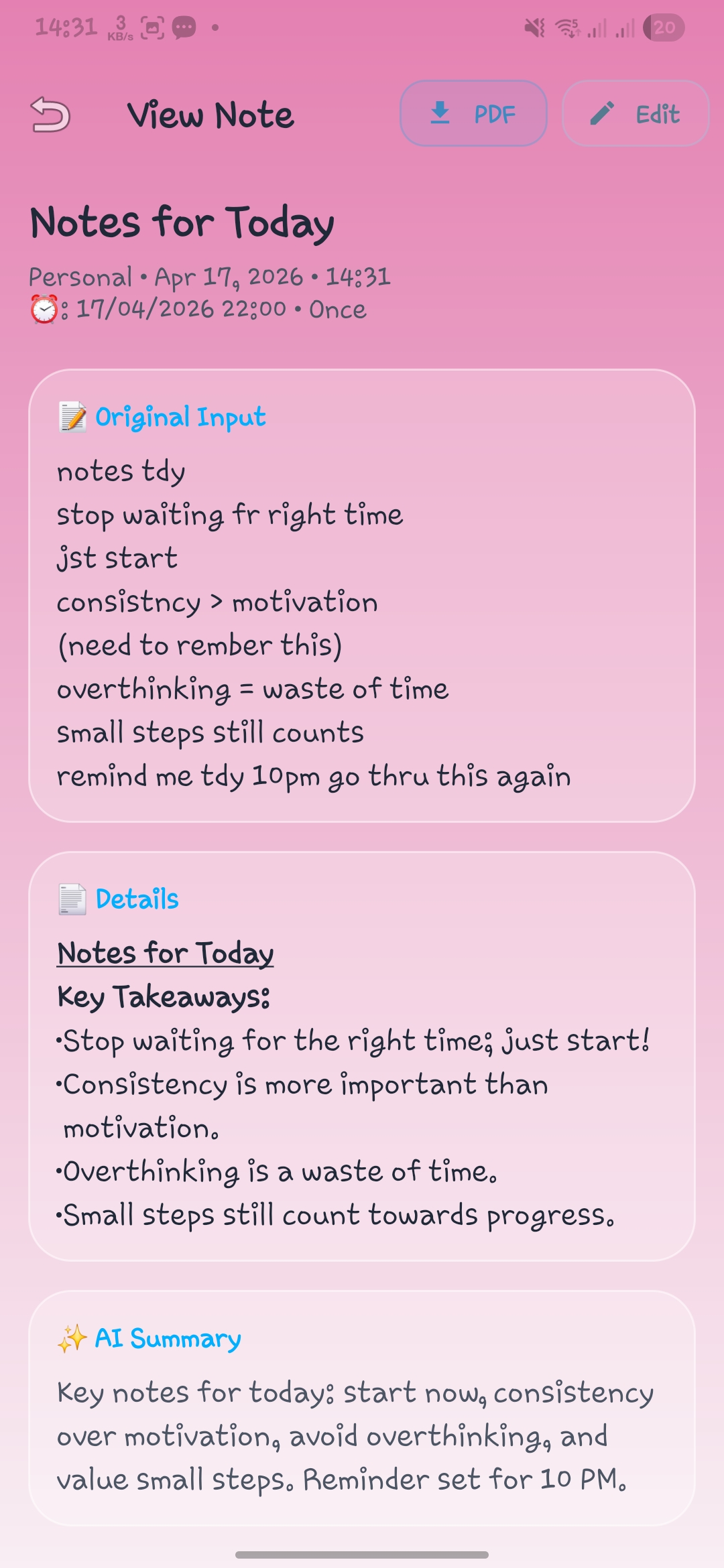
Turn rough input into a sharper title, cleaner note, compact summary, reminder intent, and smarter categorization when you ask for it.
Protected note fields use application-layer encryption before local persistence and cloud sync.
Read and manage notes from the local database with a queue-based sync flow instead of constant network dependence.
Open PDFs from share sheets or saved library with zoom, fast scroll, and API 35+ text selection.
Switch between Original, Graphite, Copper Glow, Blue Horizon, Evergreen, and Archive Sepia.
Format notes with bold, italic, underline, lists, checklists, and color without leaving the editor flow.
Pull notes forward by title, body, category, priority, or pinned state when the list starts to grow.
Schedule reminders with notification support and exact alarms when you enable them for time-sensitive notes.
Add an optional local protection layer with PIN and fingerprint access for faster secure re-entry.
PDF reader modes
The PDF stack re-renders from the source document when you change modes, so reading style changes stay intentional and export-ready.
Choose the surface that matches your session and lighting.
Open any PDF, tap More actions, select Change Mode, then pick your preferred reader mode.
Themed modes can be exported as newly generated PDFs and saved to Downloads and local library.
Launch PDF from share target or in-app library.
Tap More actions and choose your reading mode.
Use zoom, page indicator, and fast scroll normally.
Save or share the themed output when needed.
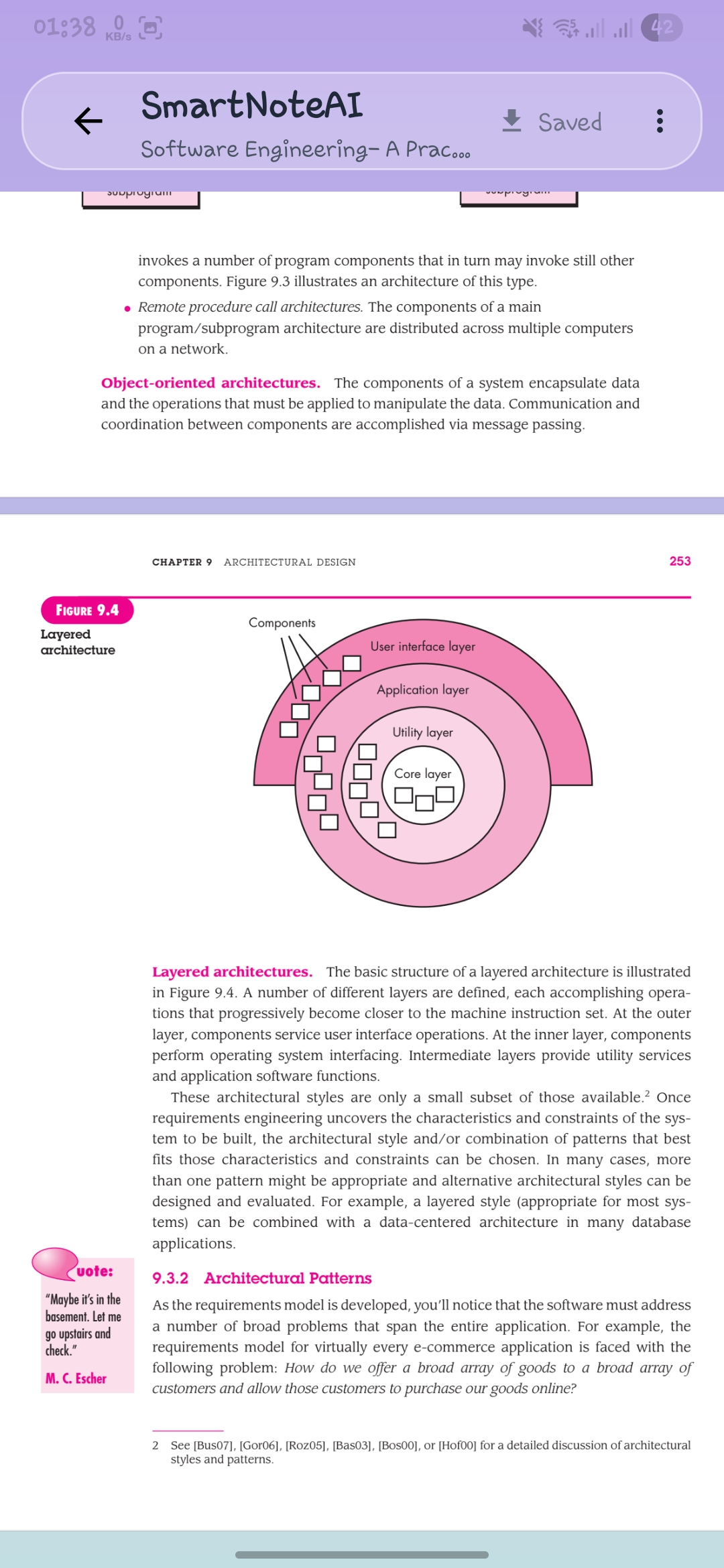
Source-faithful reading with zoom, fast scroll, and page controls.
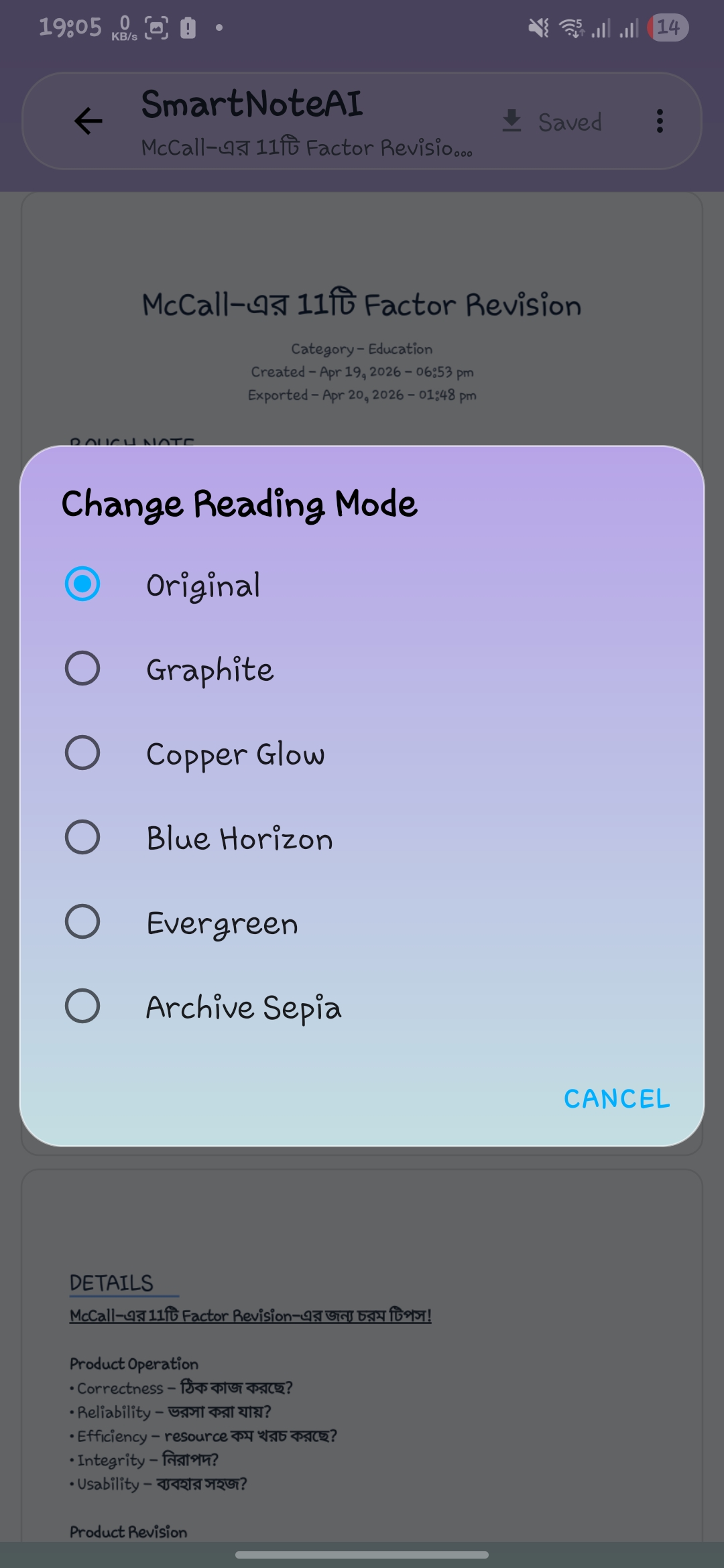
A focused picker makes the reader-mode feature easy to understand at a glance.
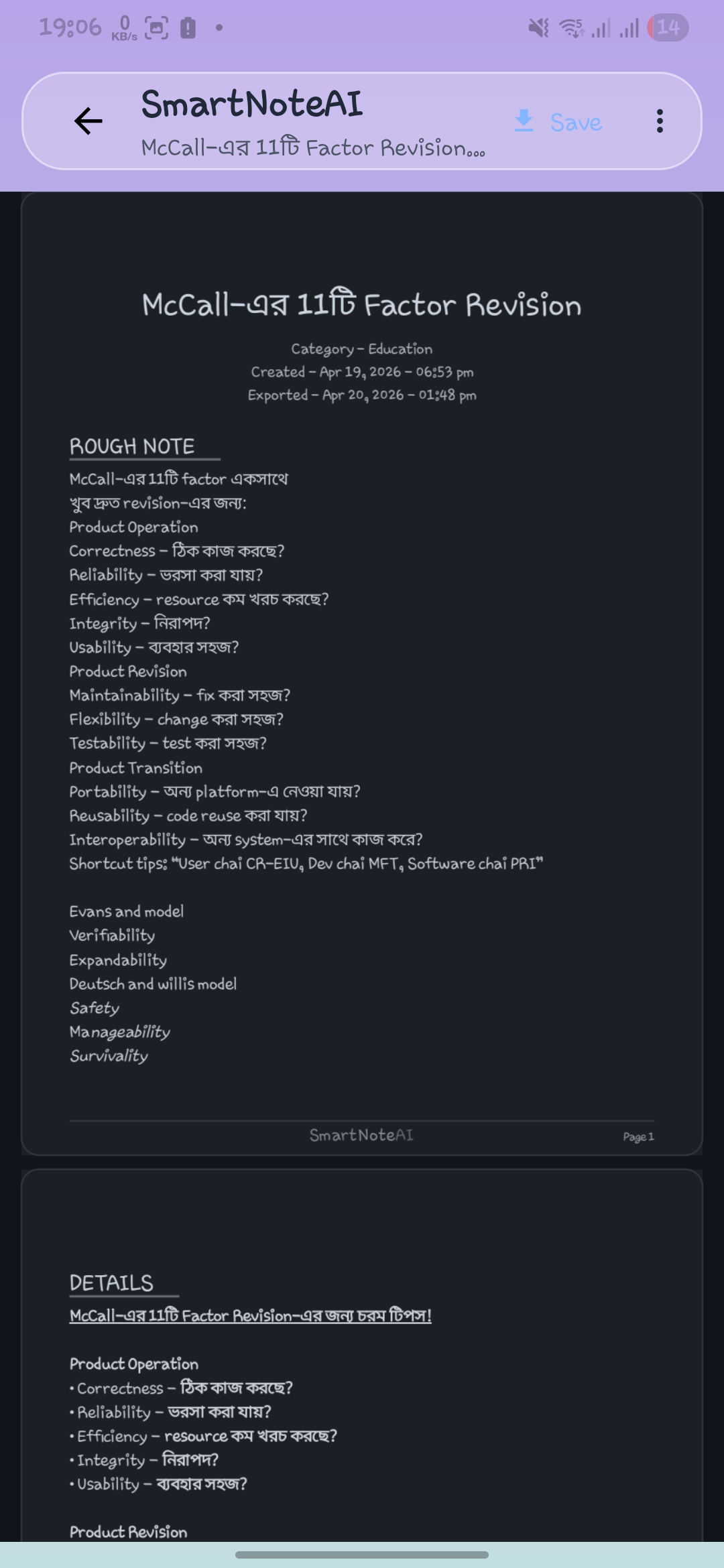
Low-glare dark rendering keeps long documents comfortable after theme switching.
AI assistance
NoteXify treats AI as a structured editing layer. It helps when you need momentum, then gets out of the way when you just want to write.
Useful defaults are generated from the note you already wrote, not from empty prompts.
Grammar, structure, and readability improve while the source note stays reviewable.
Future-oriented text can be interpreted into reminder-ready output inside the note workflow.
A shorter AI summary helps you skim saved notes without rereading the entire draft.
How it works
The product keeps the sequence simple: write first, improve second, protect throughout, and sync when the app is ready.
Create the note, rough idea, or reminder without waiting on structure first.
Use AI Powered assistance only when you want a stronger draft, summary, title, or reminder signal.
Apply categories, reminders, app lock, and note protection without leaving the core note workflow.
Daily reading stays local first, including reader-mode PDF workflows, while sync timing runs in the background.
Product demo
Watch a quick walkthrough of the real daily flow, from fast note capture to structured AI support and privacy-first controls.
A focused product walkthrough designed for users, collaborators, and reviewers who want to understand how NoteXify performs in real use.
Security and privacy
The public story now matches implementation more closely: optional controls are named, note protection is described with care, and permission-dependent behavior is explicit.
AI requests, reminders, billing, ads, and community links each map to a known product flow instead of hidden background collection.
Public messaging now points to application-layer protection, wrapped keys, and local security options without marketing exaggeration.
Notifications, biometrics, AI assistance, and note deletion are described as user-enabled behaviors rather than default assumptions.
Screens
The gallery shows note creation, AI review, visual browsing modes, app theme selection, PDF reading, PDF mode switching, and secure account workflows.
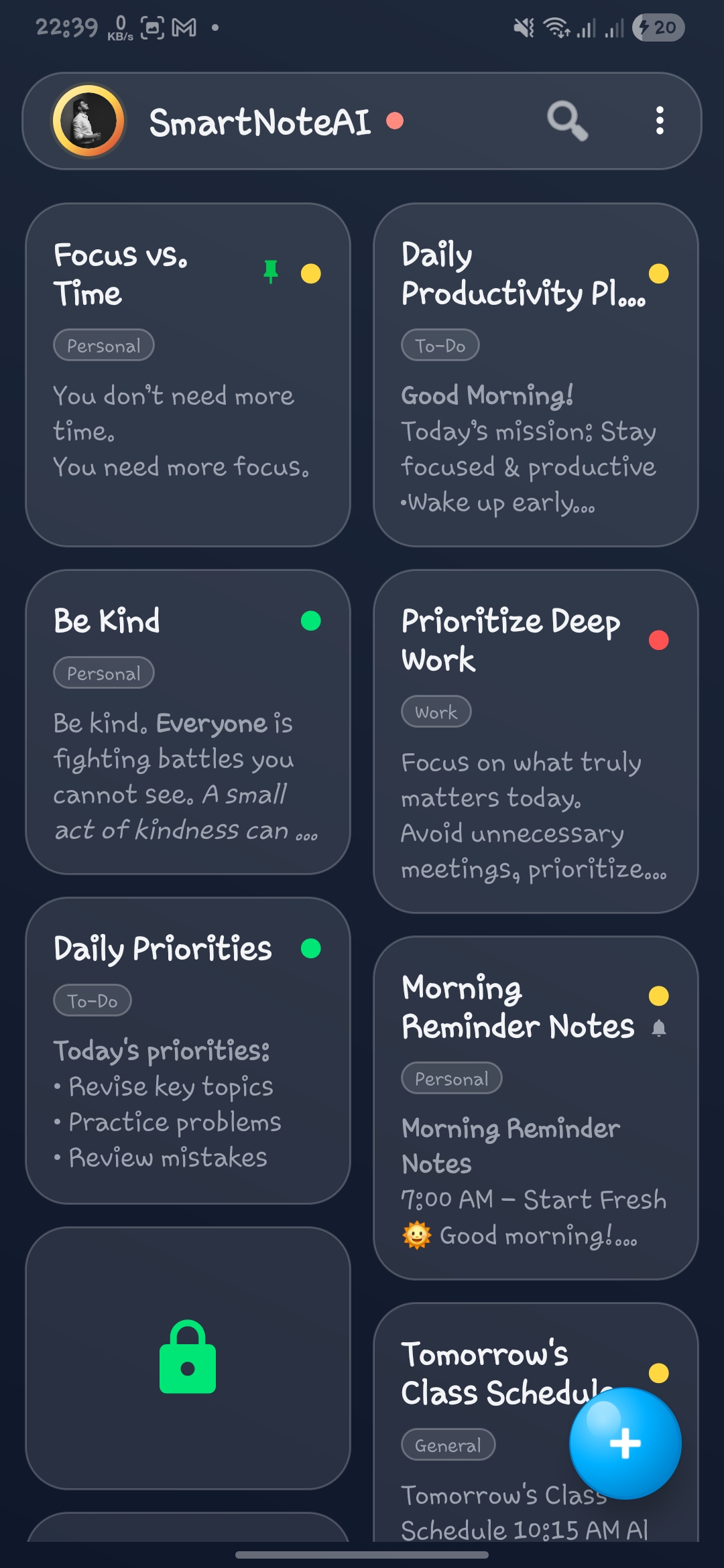
Dim Comfort
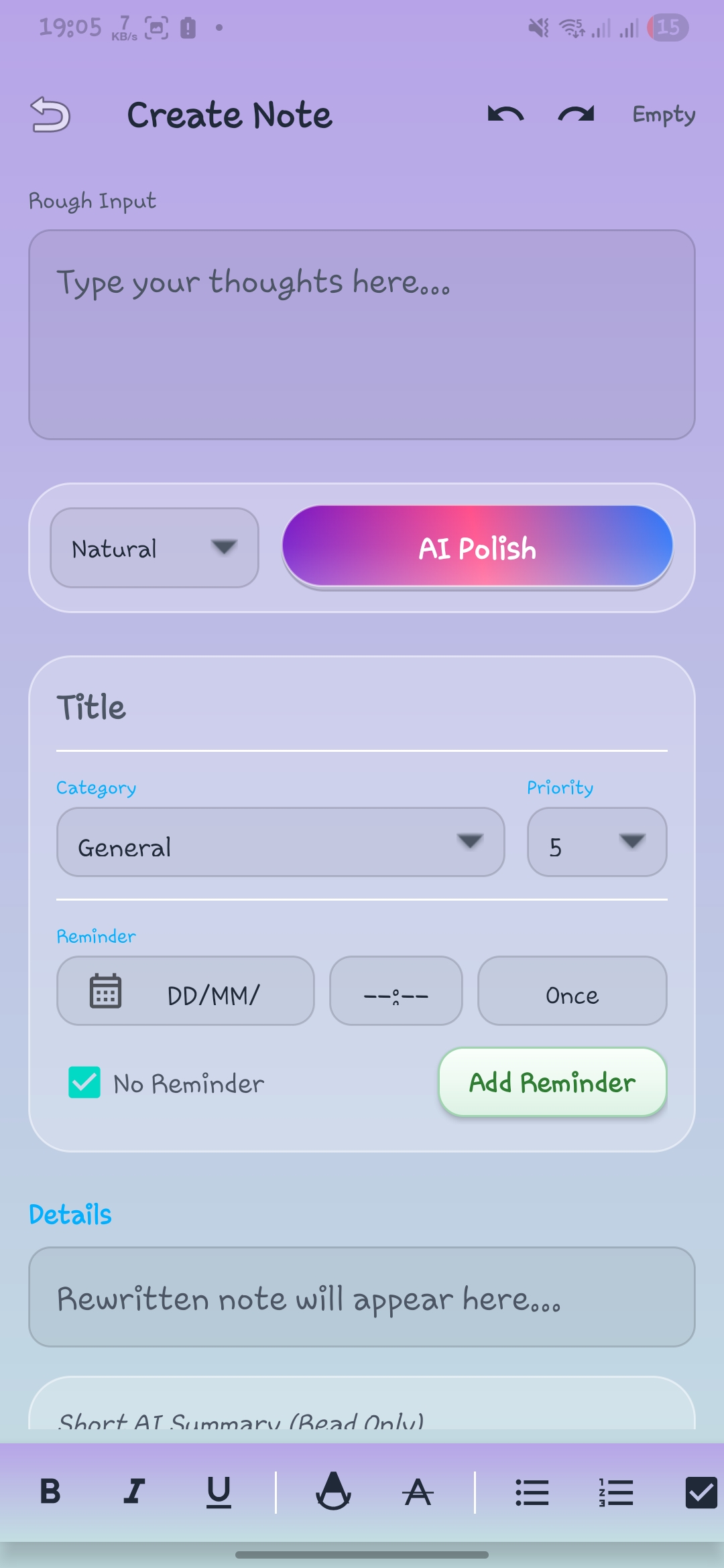
Mystic Aurora
Blush Pink
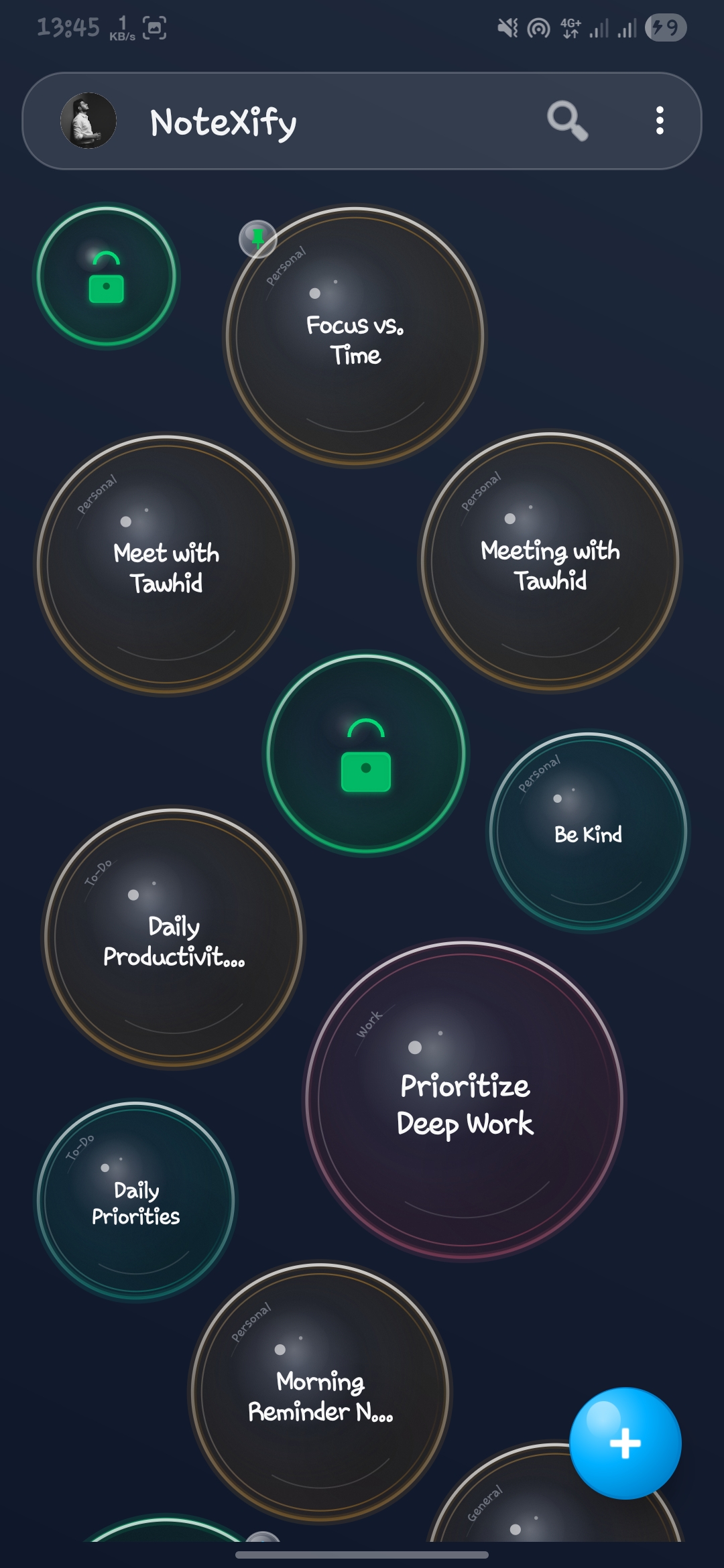
Dim Comfort
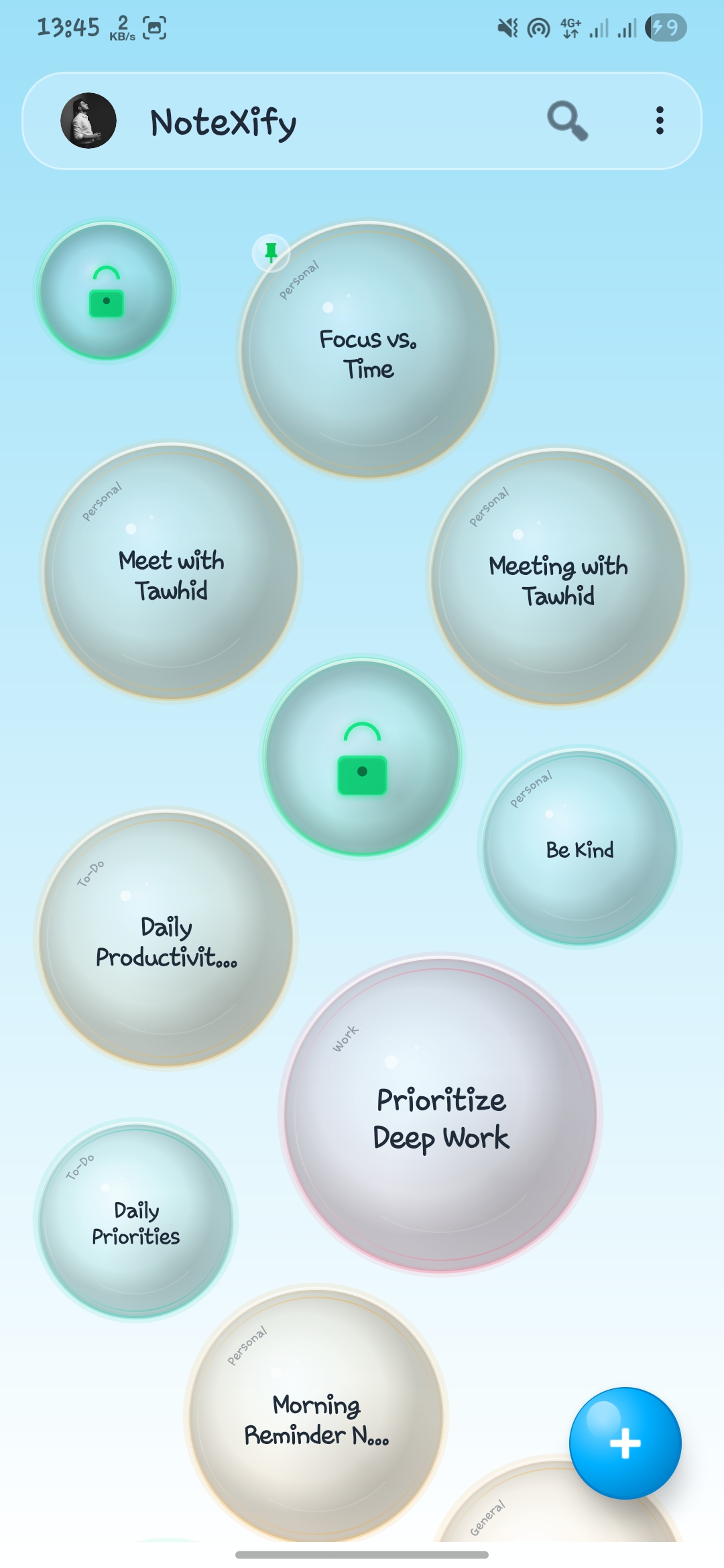
Glacier Blue
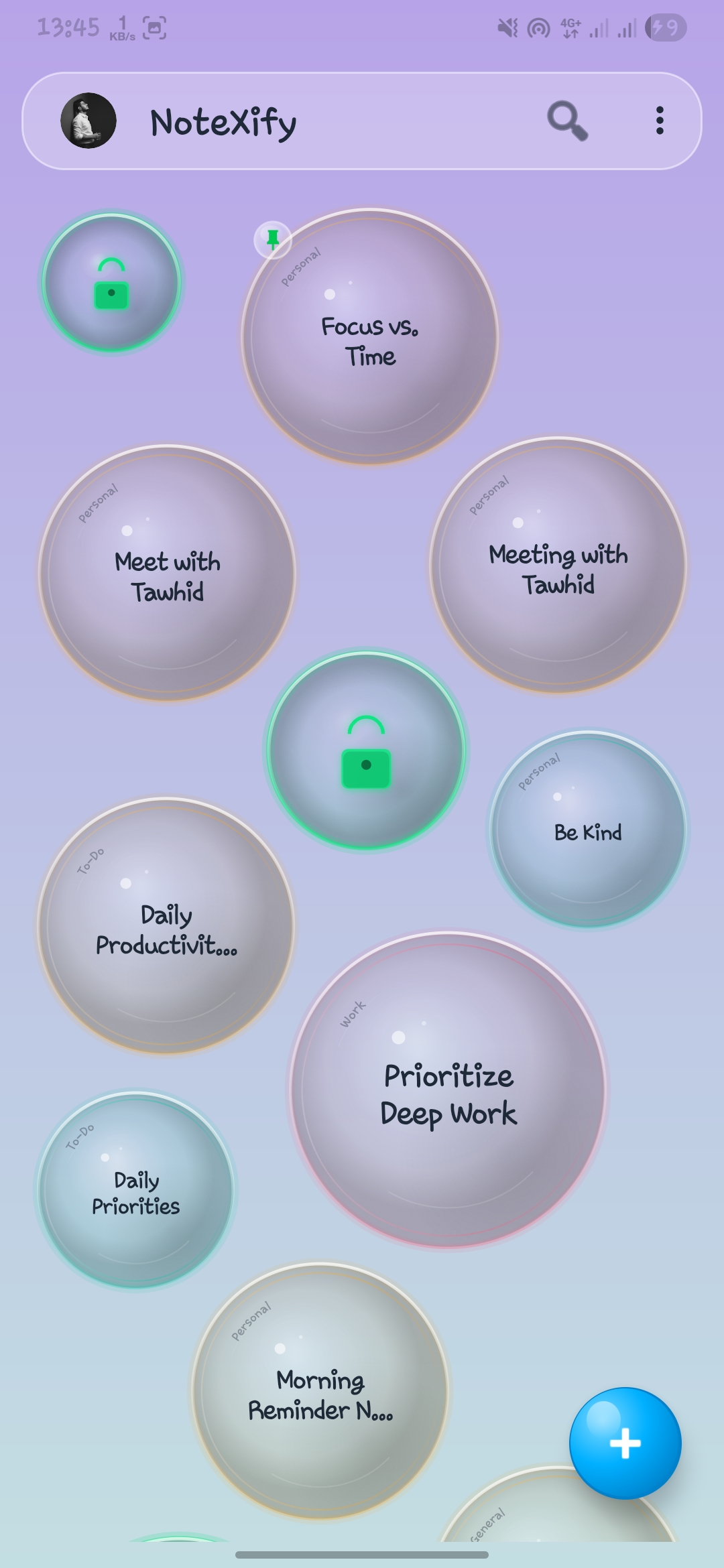
Mystic Aurora
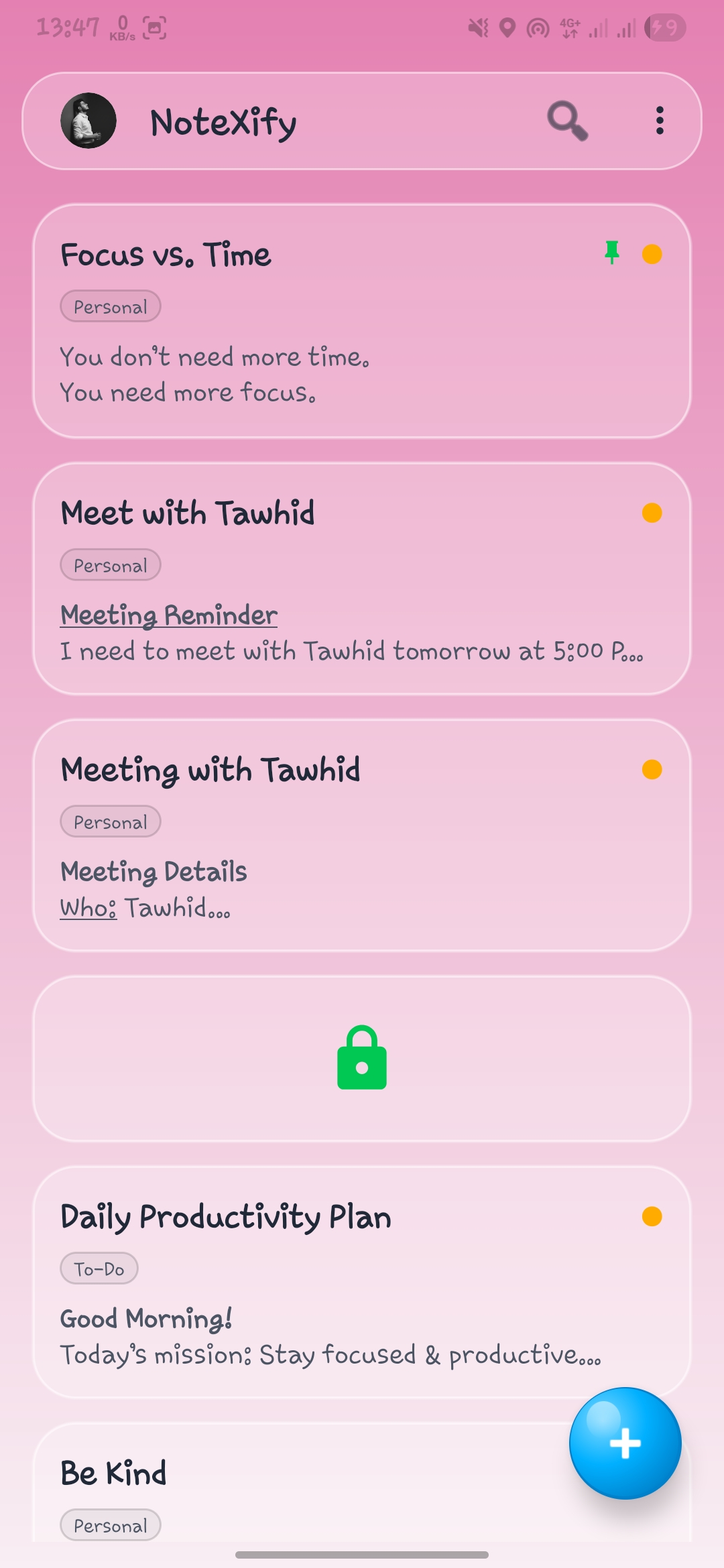
Blush Pink
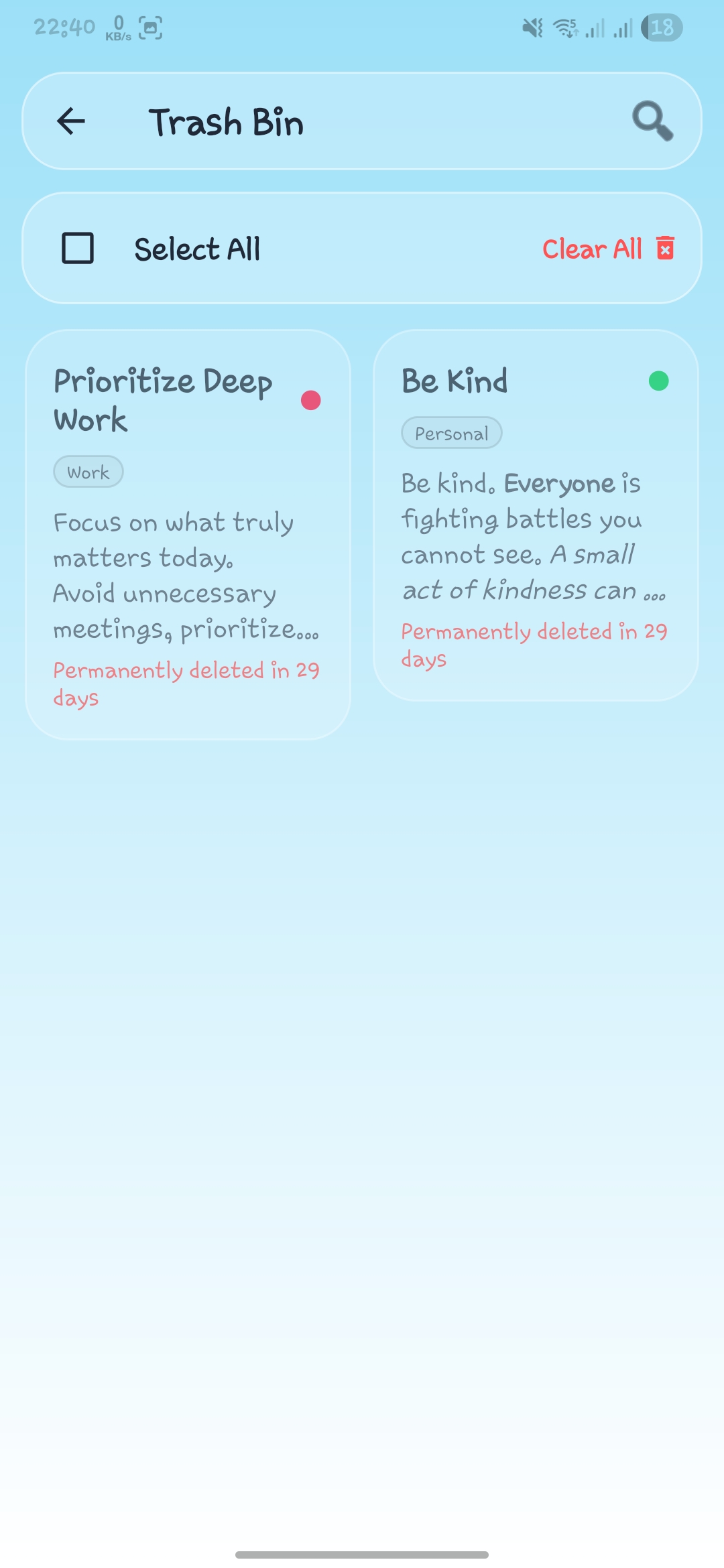
Glacier Blue
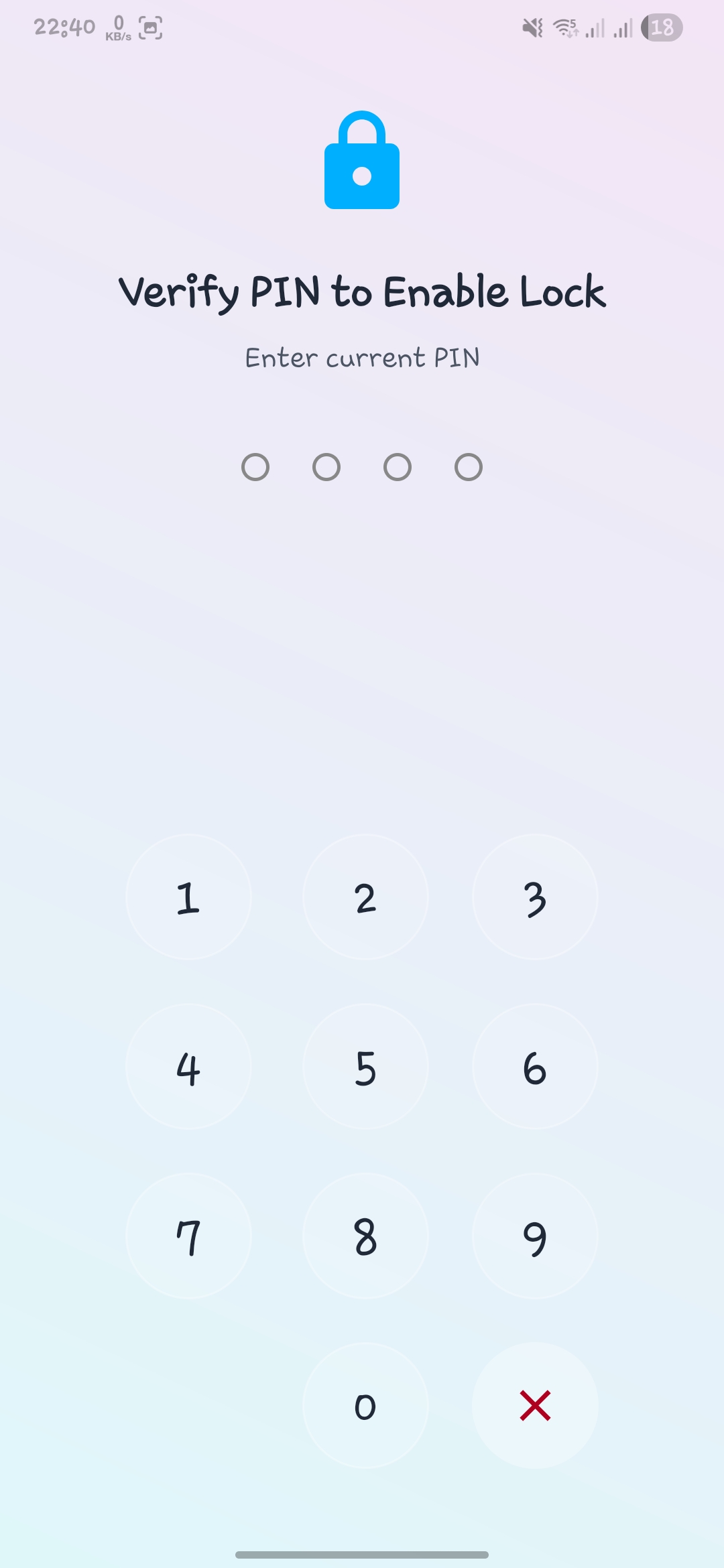
Default Crisp Light
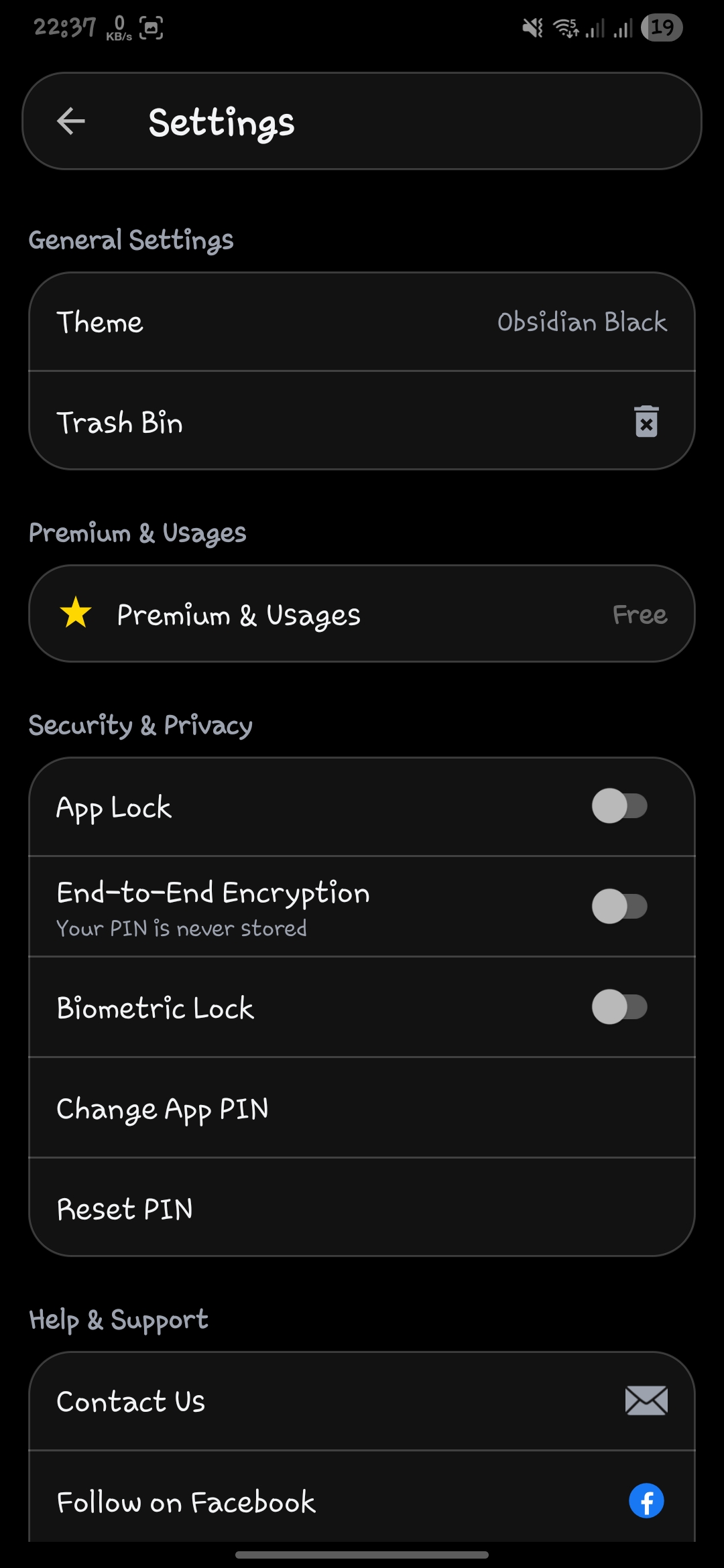
Obsidian Black
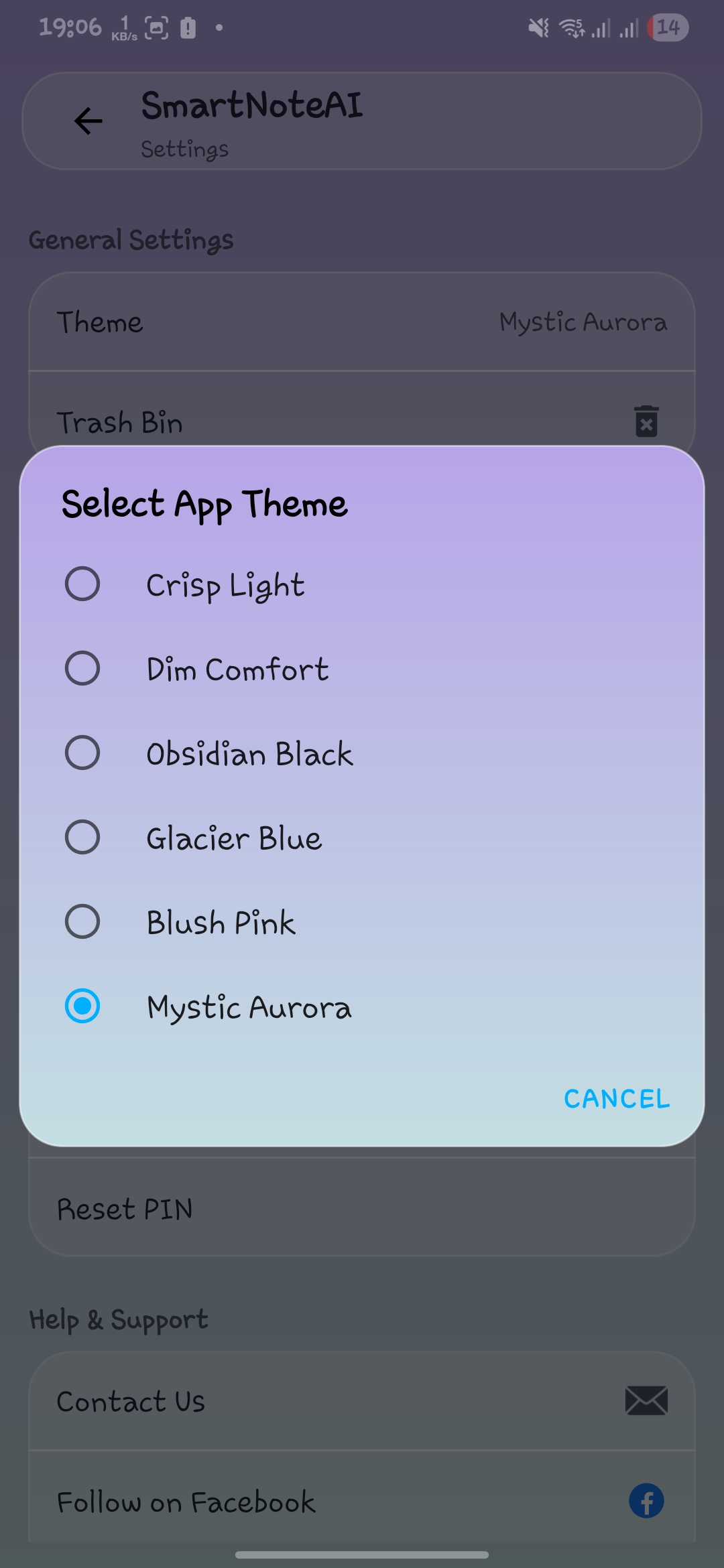
App personalization
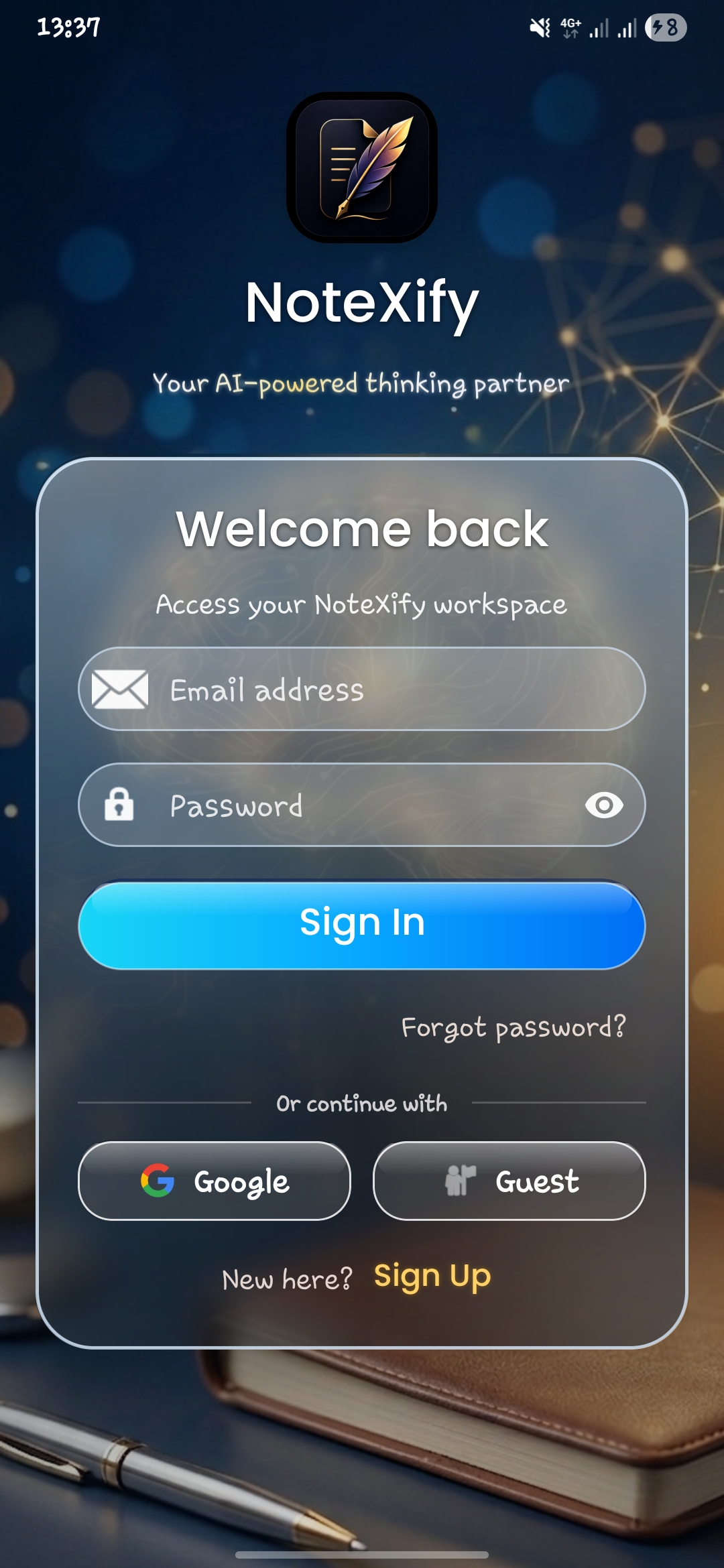
No theme applied
Live screen capture
Reader theme control
Low-glare PDF mode
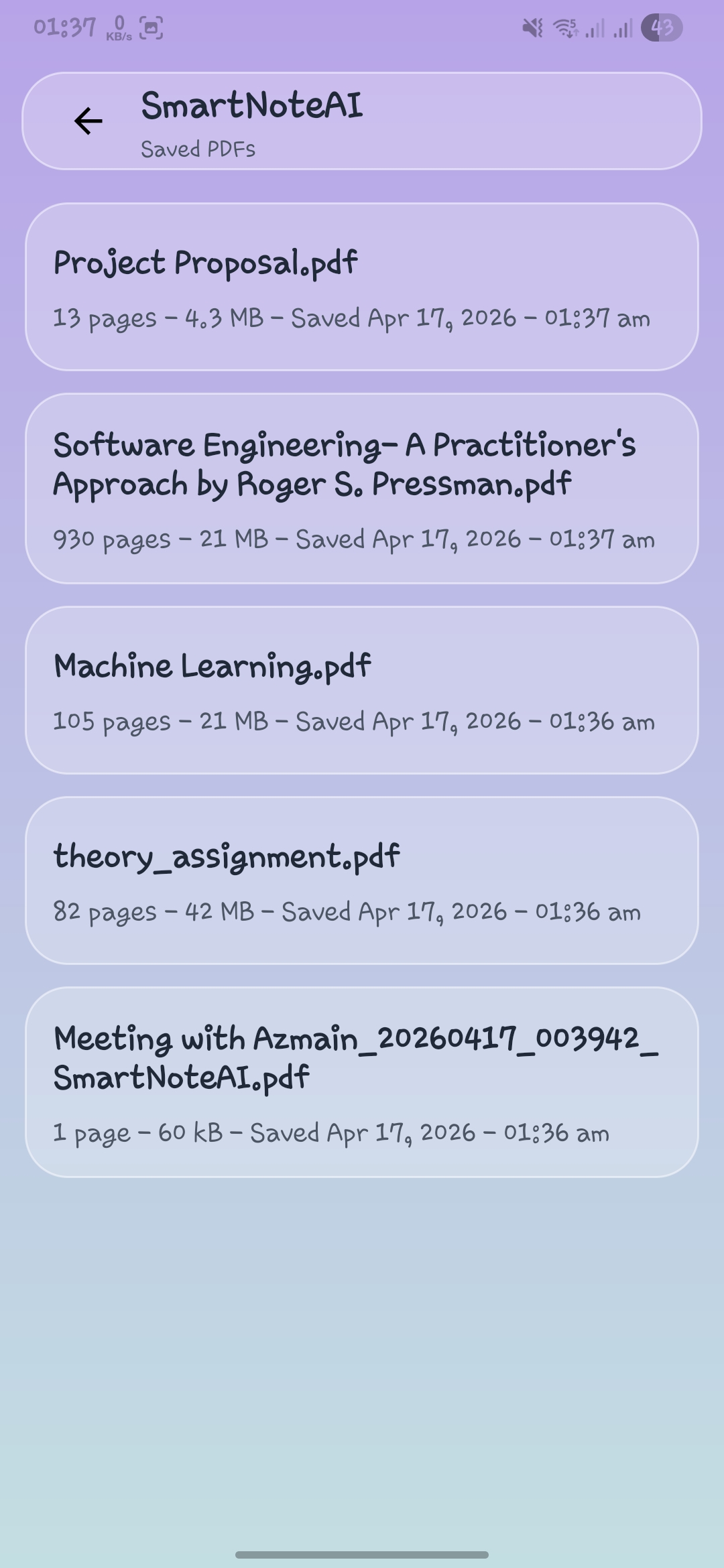
Live screen capture
Contact
Choose the fastest route for support, privacy questions, release notes, or community updates.
Product updates, announcements, and public-facing community posts.
Open the NoteXify pageDocumentation, project context, and technical review material.
View the GitHub repoCommunity access for launch updates, help, and direct follow-up.
Join the communitySupport requests, privacy questions, and account deletion follow-up.
notexify.support@gmail.comDownload NoteXify for Android from the Google Play Store.
Download on Play Store